
How can I delete my emmy account?
If you have thought twice and are still sure, you can request to delete your account directly in the app. If there are no more outstanding invoices, outstanding accidents or outstanding claims, we will delete your account.
1. App menu
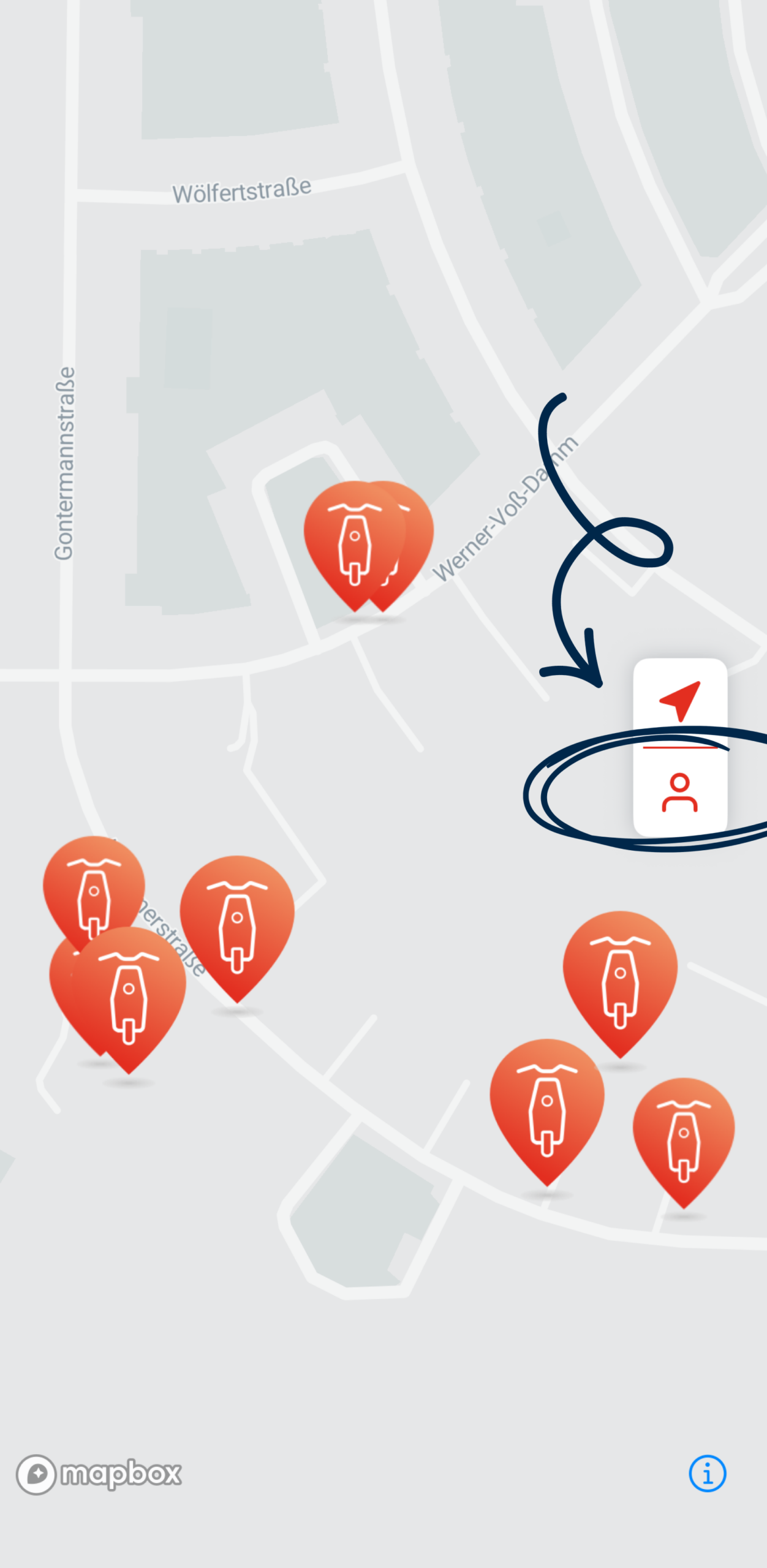
In the app you will find the menu button on the right side.
2. User account
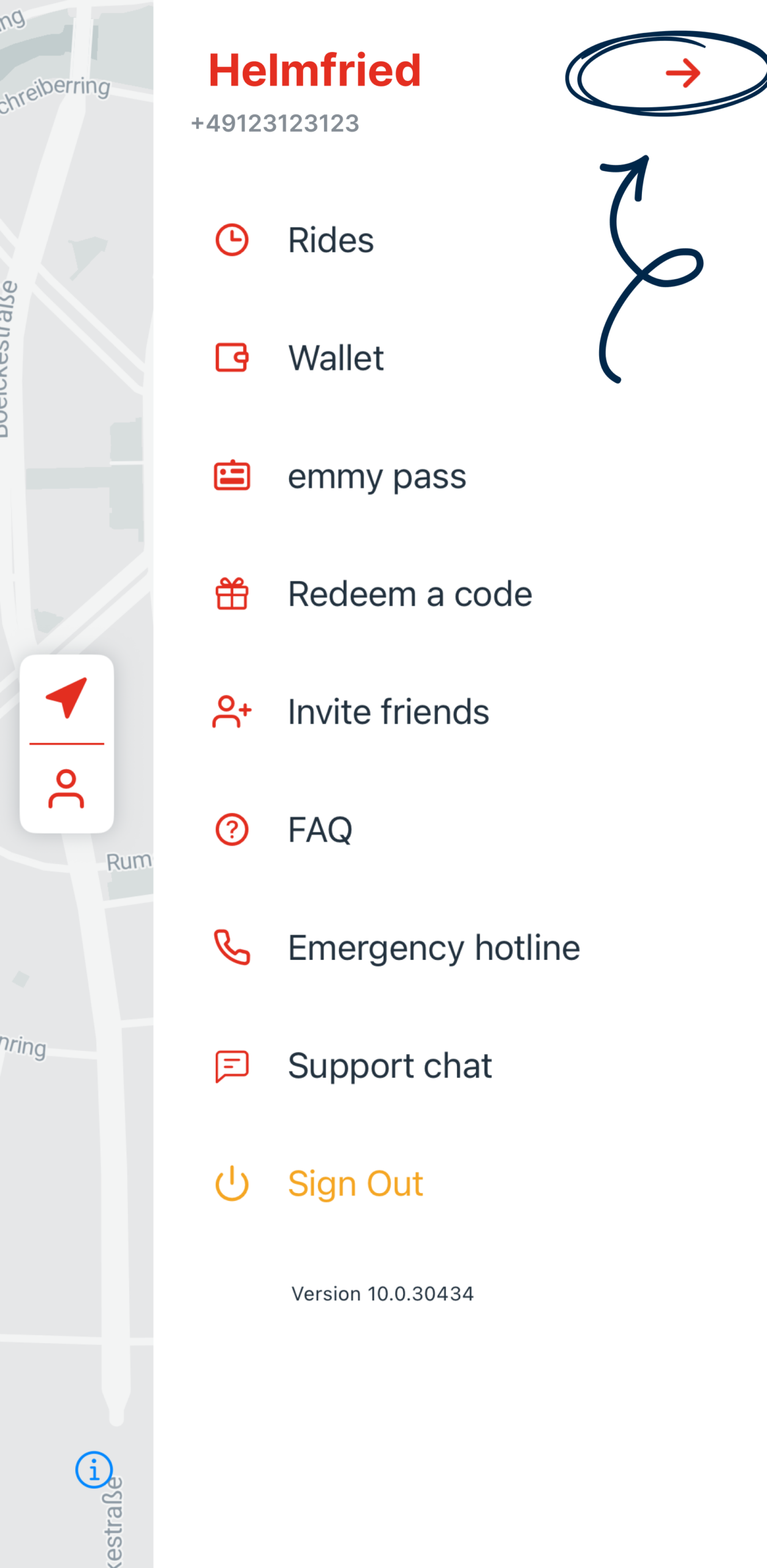
Go to your user account by clicking on the arrow next to your name.
3. Delete account
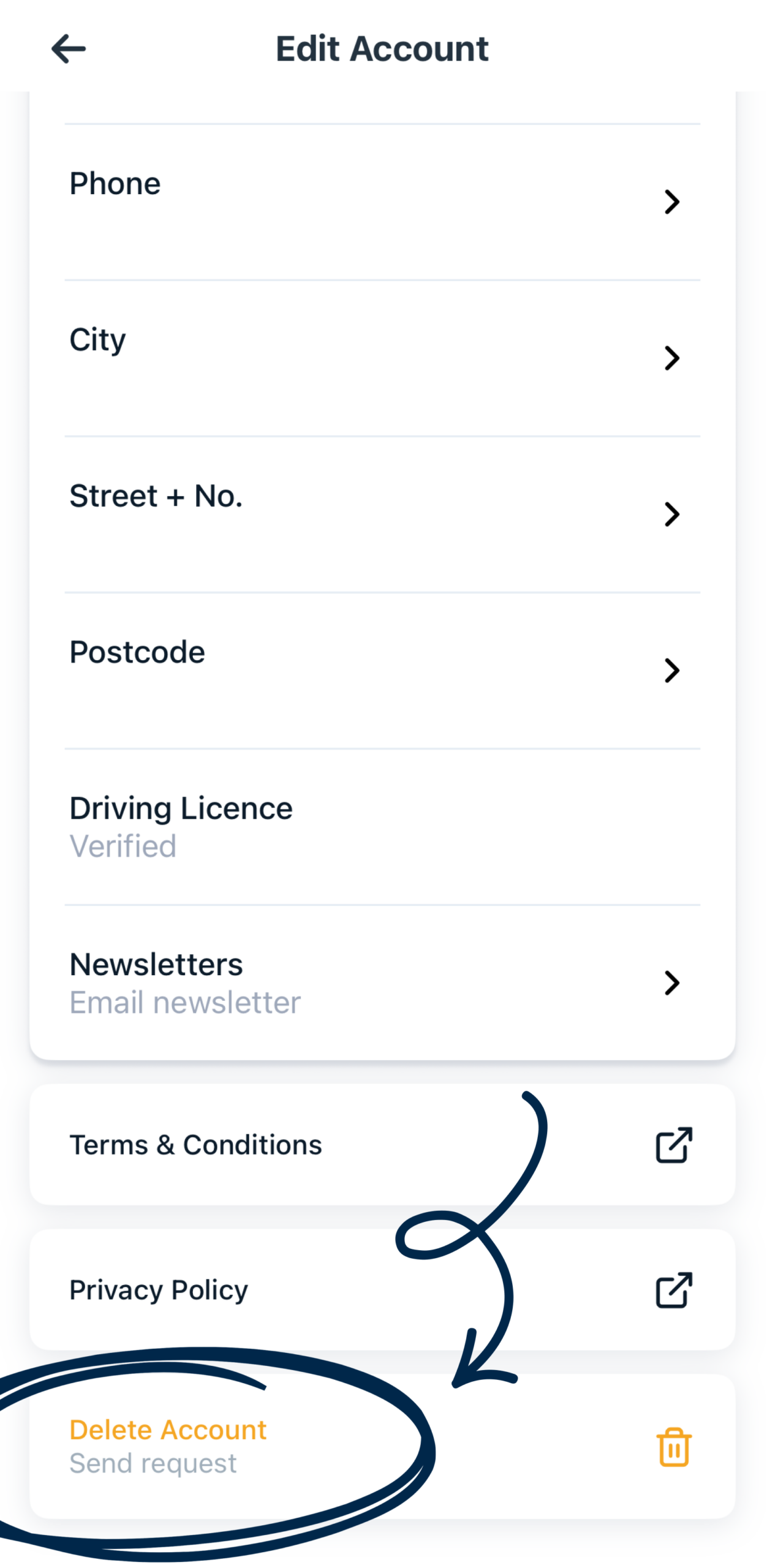
At the bottom of your user account you will find the “Delete Account” button.
4. Bye bye
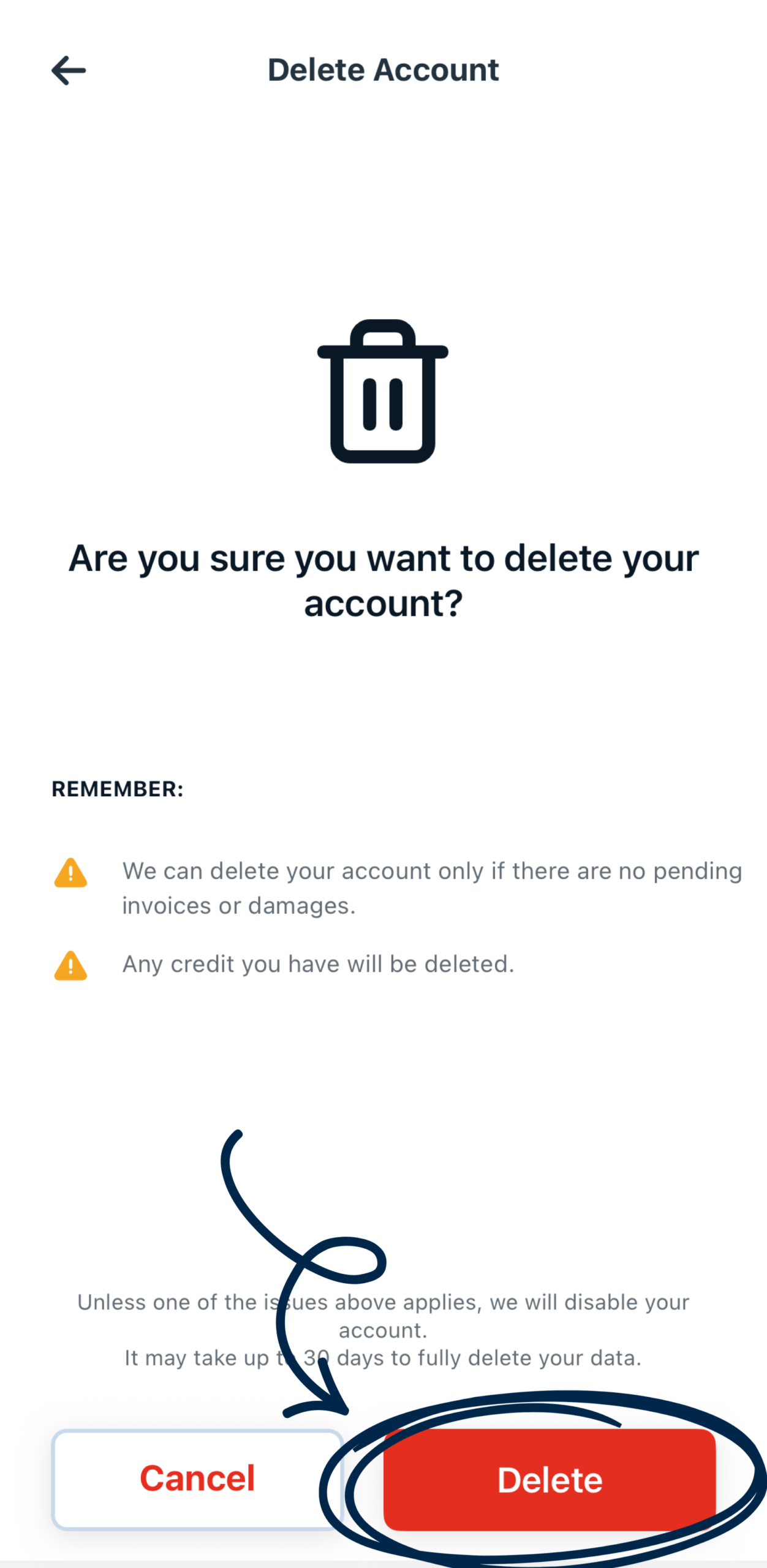
Please be aware that we can only delete your account once all the conditions above have been met. Confirm your deletion request.
How long will my data be stored after I delete my account?
- 1 year: Registration data including driver’s license photo and verification video.
- 3 years: Driving license data.
- 10 years: Billing information, invoices and other billing-related documents.